How to model a potted plant in SweeperCAD
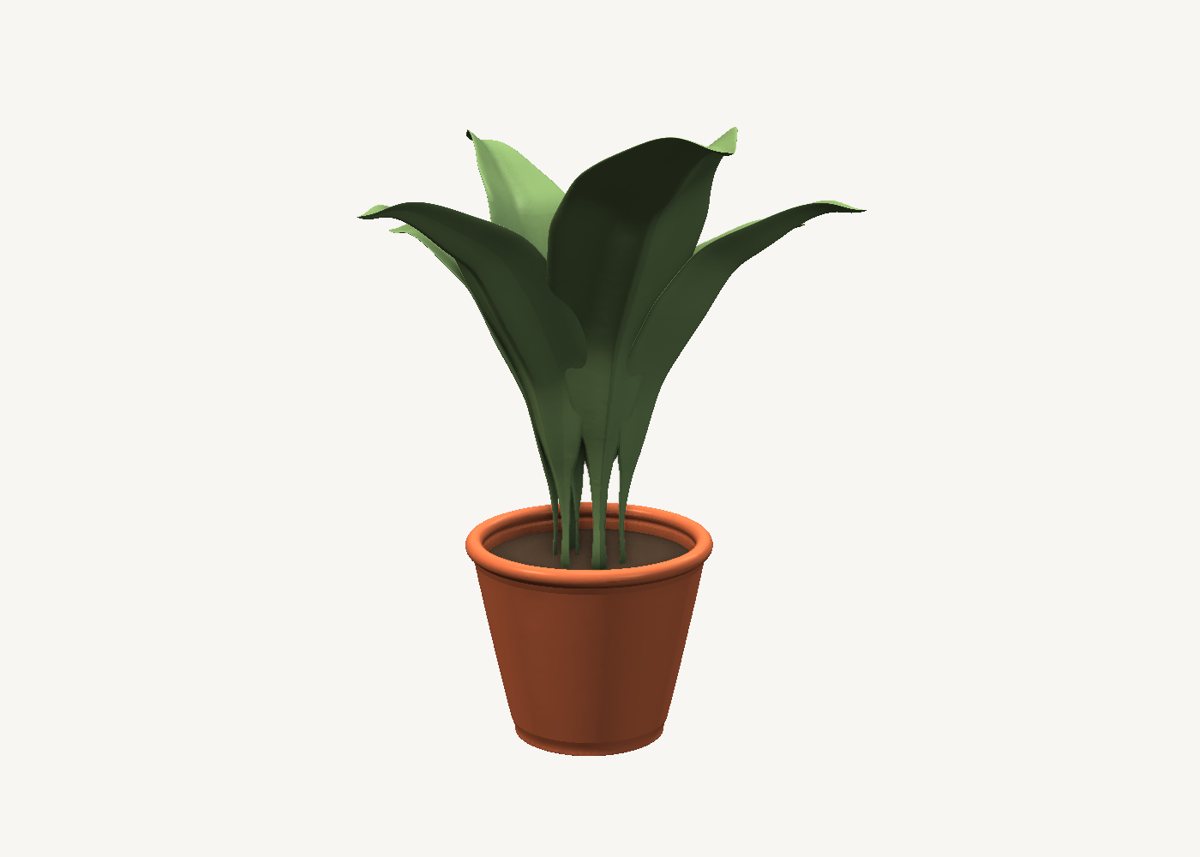
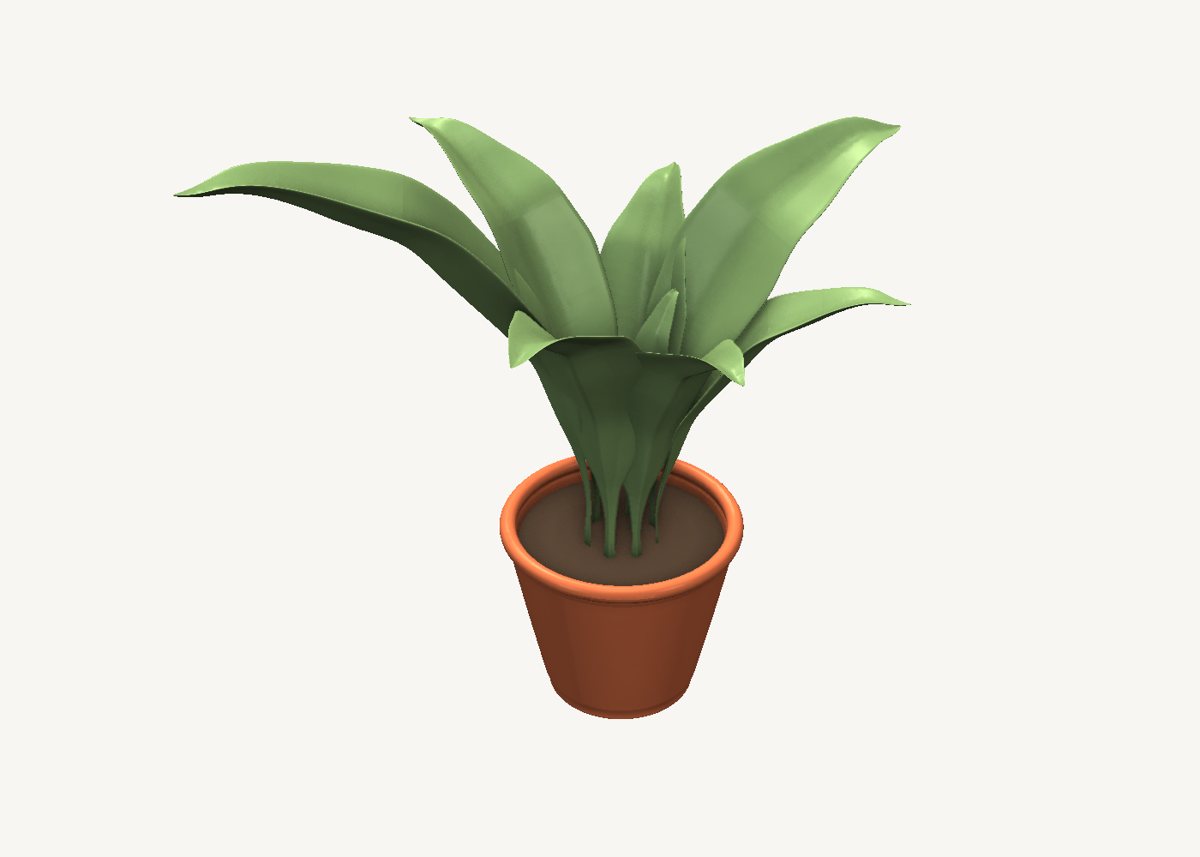
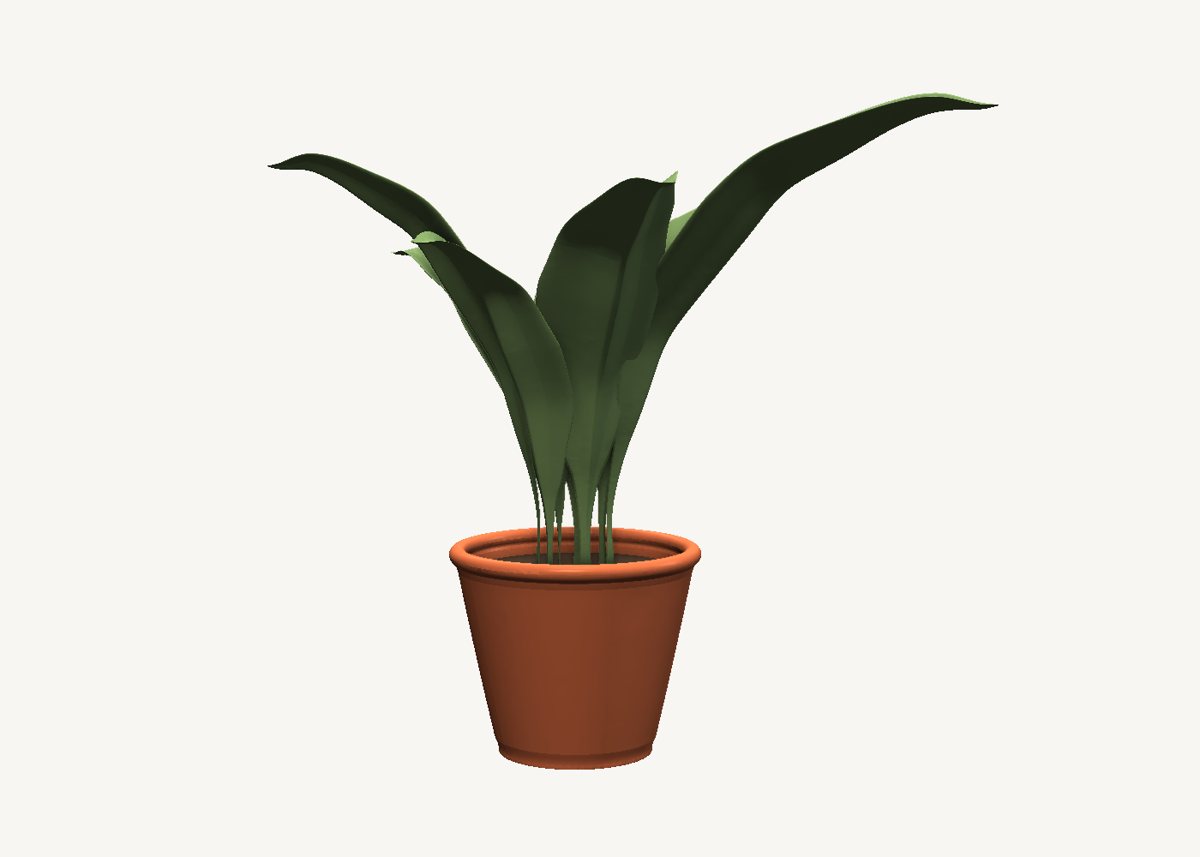
Nine leaves and a pot. Every leaf is one sweep, and the leaf's own outline is its scale graph.
Download the model Get SweeperCAD (free)
13 objects · 192 × 191 × 228 mm · free to use, no credit needed (CC0)
How it is built
- A leaf is one sweepA thin lens-shaped profile with a midrib, swept along a curved midrib line. The scale graph is the leaf seen from above: narrow at the stalk, widest past the middle, to nothing at the tip.
- Nine leaves, each bent its own wayEach leaf has its own spine, so each one arches differently. Change one curve and only that leaf changes.
- The pot is a turned shellA circle swept up with the pot's silhouette as the scale graph, hollowed by a second sweep, with a disc of soil inside.
Open it and pull on it
Download the model, open it with SweeperCAD and it lands on your asset shelf. Place it, then select any part: its profile, spine and scale graph are right there to drag, and everything downstream rebuilds - fillets included. Every curve stays editable; nothing is ever baked.
More examples
Teapot Nautilus shell Mecha arm Robot Elliptic-wing fighter · the whole library · first-objects tutorial